

Puglia Google Maps Locations

.svg)
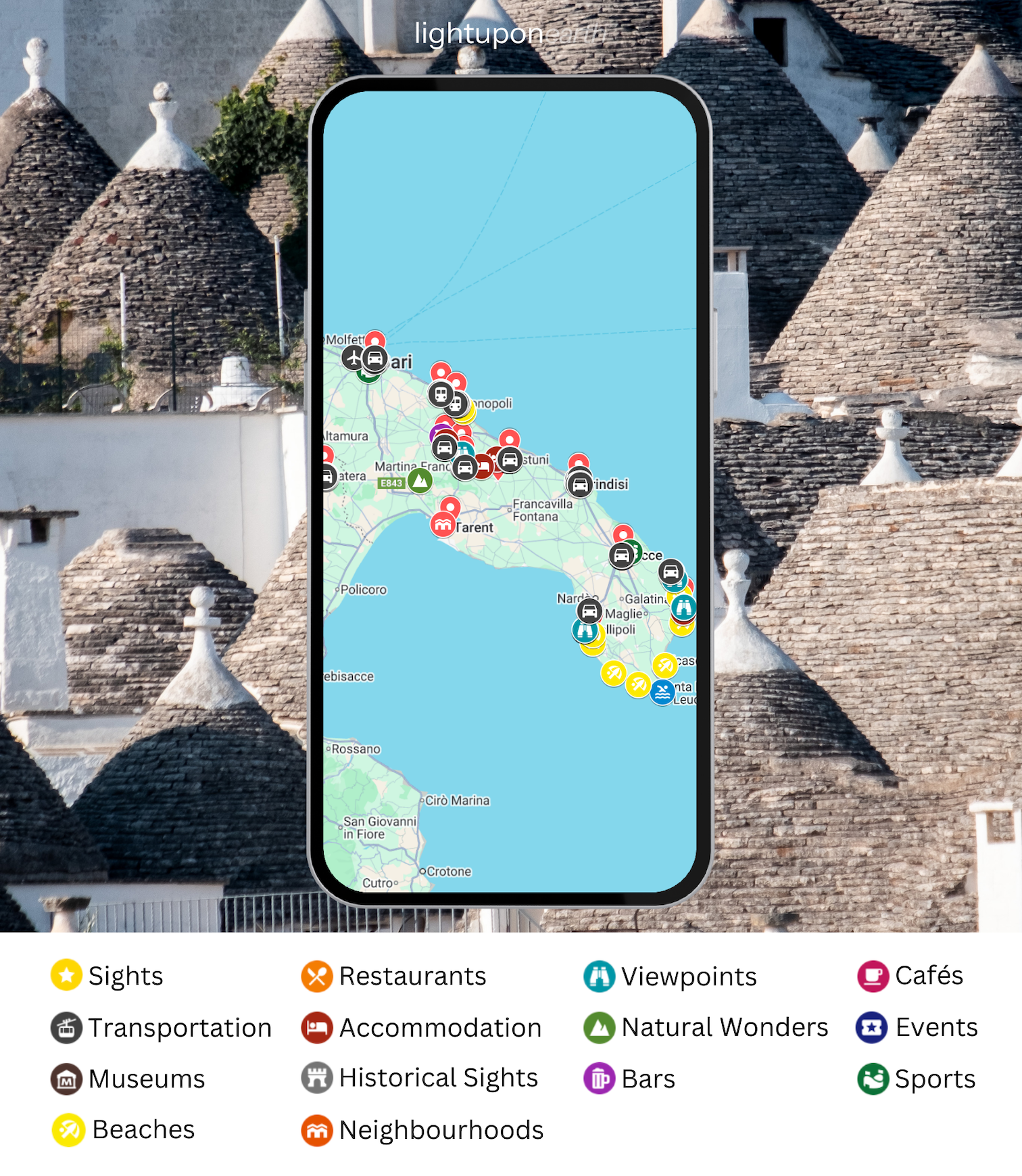
Unlock the beauty of Puglia with my curated Google Maps locations. This list includes nearly 270 handpicked spots around Bari, Polignano a Mare, Monopoli, Alberobello, Ostuni, Otranto (and Matera), making it the perfect guide for your adventure.
Here’s what you’ll get:
- My favourite spots in Puglia,
- Must-see attractions and hidden gems,
- Breathtaking viewpoints and scenic photo spots,
- Charming cafes, bustling markets, and recommended restaurants,
- Historical landmarks, museums, and cultural sites,
- Key transportation points for easy navigation,
- Must-do hikes & trails,
- Recommended accommodation options,
- and many more cool spots!
With lifetime access and free updates, you’ll always have the latest locations at your fingertips to explore Puglia!


Explore Puglia with ease! These curated Google Maps locations for Puglia include everything you need to plan your perfect adventure. From must-see attractions over the best activities to secret gems, it also features recommendations for accommodations, restaurants, and cafés, making your trip planning seamless and stress-free.
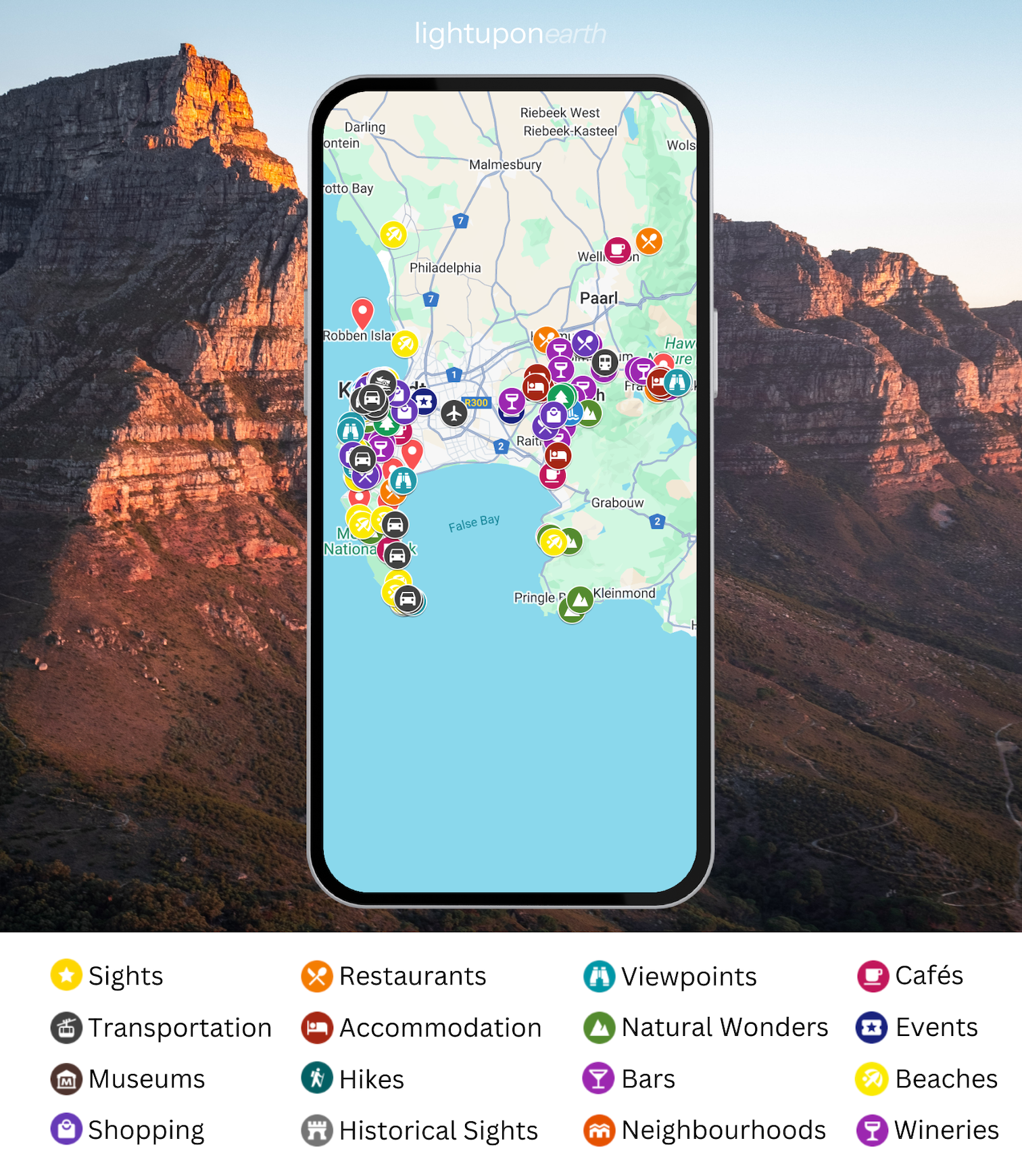
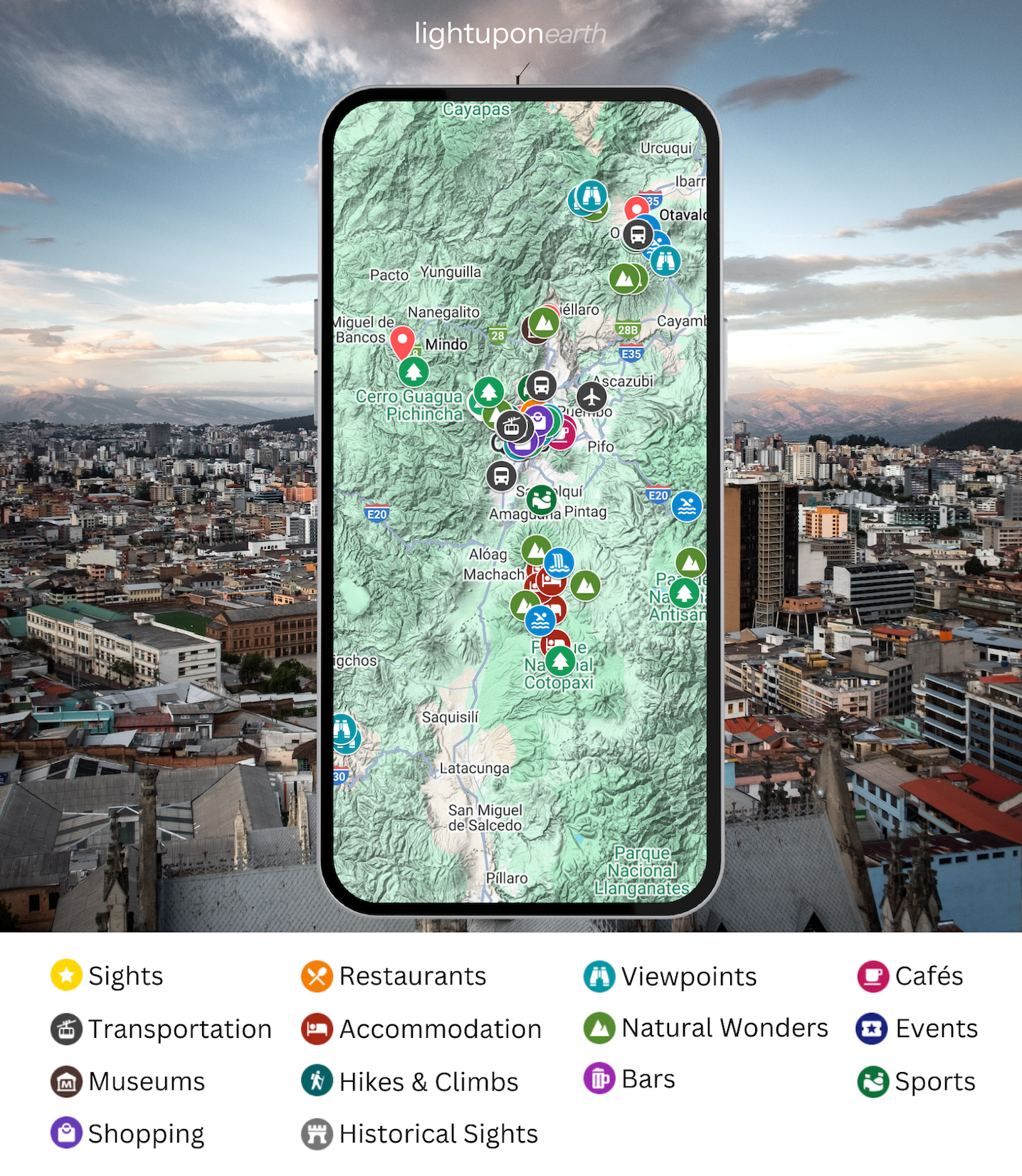
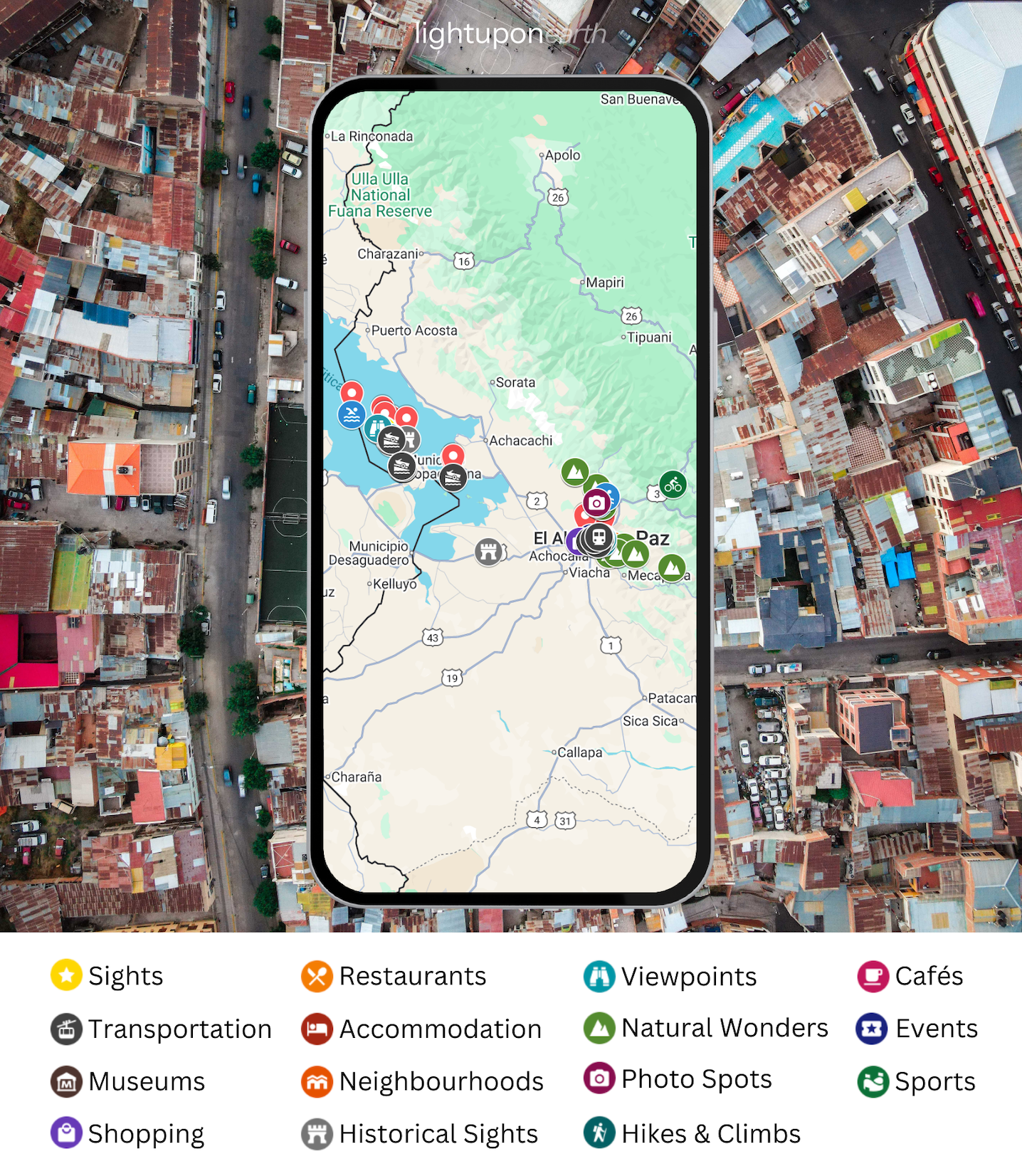
Check out the list on the right to see all types of locations included in the curated map for Puglia.

Sneak Peak

Frequently Asked Questions
My Puglia Google Maps Locations contain nearly 270 carefully selected spots around Bari, Polignano a Mare, Monopoli, Alberobello, Ostuni, Otranto (and Matera). From popular must-see destinations over hidden gems and scenic viewpoints to hiking spots, cultural landmarks, accommodations, restaurants, cafés, bars, and much more. This collection is designed to help you effortlessly discover the best places with ease and without having to put much effort into researching.
Google Maps locations are marked spots in Google Maps. My Google Maps locations offer curated lists of must-see destinations, hidden gems, restaurants, hiking trails, and more for a specific country, region, or city. After purchasing, you can easily add the map/locations to your Google Maps account, allowing you to streamline your travel planning and exploration. It’s a simple way to have all the best spots at your fingertips.
1️⃣ After your purchase, you will receive an email invitation to access the Google Maps Locations.
2️⃣ Open the map once by clicking the button in the confirmation email.
The map will then be saved automatically in your Google Maps account under:
You → Maps.
From there, you can access all curated locations anytime — with lifetime access.
⚠️ Important: Please provide the Google email address that is linked to your Google Maps account.
Yes, you can access the Google Maps Locations on various devices as long as they are compatible with Google Maps. You can access them on your phone, laptop, and tablet, making it easy to plan and explore from anywhere at any time.
Yes! My Google Maps locations include free in-app updates whenever new locations are added (whenever I explore new spots in the specific country, region or city that I find useful). You’ll automatically receive updates to your list, ensuring you have access to all the latest spots worth exploring.
Related Products




_Google%20Maps%20Locations.png)
.svg)